
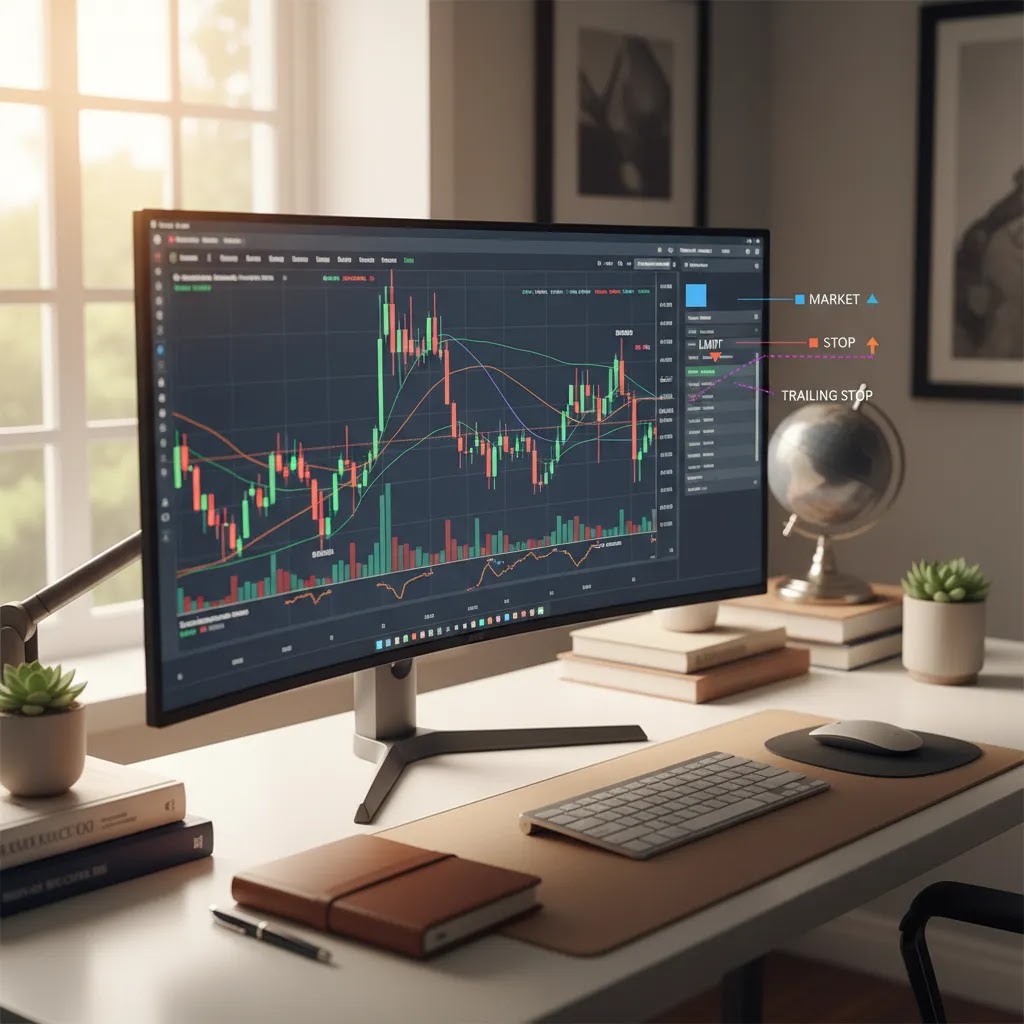
If you are new to trading, learning order types may matter as much as learning charts or strategy. The order you choose affects how your trade enters, how it exits, and how much control you have over price and risk. For UAE-based readers comparing platforms and building core skills, this topic sits alongside our trading for beginners resource because it helps explain what actually happens when you press buy or sell. Whether you trade forex, stocks, ETFs, or CFDs, understanding market orders, limit orders, stop orders, and trailing stops may help you avoid avoidable mistakes. It will not remove market risk, and no order type guarantees a favorable outcome, but it can improve how you manage execution and protect capital in fast-moving conditions.
What Trading Order Types Mean
An order type is the instruction you give your broker or platform about how to open or close a trade. It defines whether you want immediate execution, a specific price, or an automated trigger once the market reaches a chosen level.
This matters because markets do not move in straight lines. In forex and CFD trading especially, prices can change quickly, spreads can widen, and execution may vary depending on volatility, liquidity, and platform design. A trader who uses the wrong order type may enter too early, pay a worse price than expected, or fail to control downside risk.
Most platforms used by UAE traders support at least the standard set of order types. For example, brokers such as AvaTrade, Pepperstone, Exness, and ADSS offer MT4 or MT5, while XTB uses xStation 5 and eToro uses its own WebTrader platform. If you want to understand how these functions look in practice, our metatrader 5 guide may help you see how orders are placed on a widely used trading interface.
Before using any order type with real money, it is worth remembering that execution risk still exists. A stop loss may reduce losses in many cases, but sharp price moves or market gaps could result in execution at a different level. That is one reason proper risk management remains essential.
Why Your Fill Price Can Differ: Quotes, Slippage, Liquidity, and Volatility
Here is the thing: the price you see on screen is a quote, not a promise. Your trading platform is constantly updating bid and ask prices based on live market data, your broker’s pricing feed, and what is available in that moment. Between the time you click buy or sell and the time your order is executed, the market can move, sometimes by a small amount and sometimes by a lot.
From a practical standpoint, this difference usually comes down to execution mechanics. Quotes refresh quickly, but they are still a snapshot. Your order then has to be processed and executed, which can include routing, matching, and confirmation. In calm markets, the gap between click and fill may be negligible. In fast markets, that gap can be large enough to matter.
This is where slippage comes in. Slippage is simply the difference between your expected price and your actual fill price. It can be negative, where you get a worse price than you expected, or positive, where you get a better one. Many traders only think about negative slippage, but in liquid conditions, positive slippage can happen too. Either way, slippage is a normal feature of live markets, not automatically a platform error.
Liquidity and volatility influence how often you see these differences. In thin liquidity, there may not be enough available volume at the quoted price to fill your order, so the fill can occur at the next available levels. In high volatility, prices can move so quickly that a quote you saw a second ago is no longer available. Spreads can also widen during news releases, market opens, or stressed conditions, which can change your entry or exit economics even if the underlying market has not moved much.
Consider this: order choice changes the tradeoff between speed and price control. A market order prioritizes getting filled, so it can slip when prices move quickly. A limit order prioritizes your price, so it can miss the trade if the market does not trade at your level. Stop orders can trigger during spikes, then fill at the best available price after the trigger. Understanding these mechanics is one of the fastest ways to reduce confusion, especially when you review your trade history and notice you did not get the exact number you had in mind.
The Four Main Order Types
1. Market Order
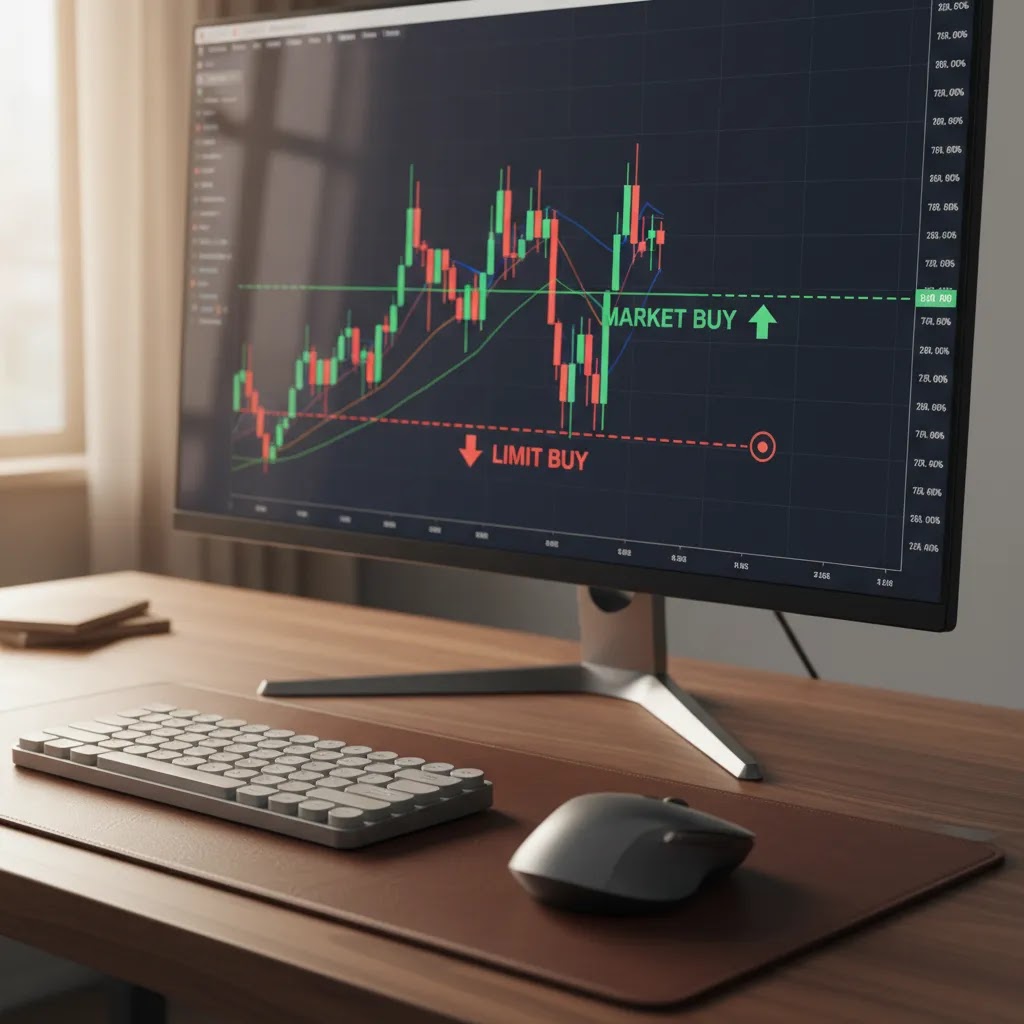
A market order tells your broker to buy or sell at the best available price right now. It prioritizes execution speed over price precision.
This is the simplest order type and is commonly used when entering or exiting a position quickly matters more than getting an exact level. In active markets, the final executed price may be close to what you see on screen. In fast-moving markets, it could be slightly different due to slippage.
Example: If EUR/USD is trading at 1.0850 and you place a market buy order, your trade may be filled near that level, but not necessarily at that exact price.
Market orders may suit traders who need immediate entry, but they can be less ideal during major news releases, low-liquidity sessions, or highly volatile events.
2. Limit Order
A limit order tells the platform to execute only at your chosen price or better. It gives you more control over entry or exit price, but execution is not guaranteed.
There are two common versions:
- Buy limit: an order to buy below the current market price
- Sell limit: an order to sell above the current market price
Example: If gold is trading at $2,300 and you believe a pullback to $2,280 is a better entry, you could place a buy limit at $2,280. The trade would trigger only if price falls to that level.
Limit orders are often used by traders who plan entries around support, resistance, or technical setups. They may help reduce emotional decision-making, but the market may never reach the chosen price.
3. Stop Order
A stop order becomes active once price reaches a specified trigger level. It is often used to enter breakout trades or to exit losing positions through a stop loss order.
Common types include:
- Buy stop: an order to buy above the current market price
- Sell stop: an order to sell below the current market price
- Stop loss order: an order designed to close a trade if price moves against you
Example: If USD/JPY is trading at 149.00 and you expect momentum above 149.20, a buy stop at 149.20 may let you join only if the breakout happens.
Stop orders are useful, but they are not perfect shields. In volatile markets, the final fill could be worse than the stop level. If you want more detail on exits, read our guide to stop loss take profit.
4. Trailing Stop
A trailing stop is a dynamic stop loss that moves with price if the trade goes in your favor. It is designed to lock in gains gradually while still giving the trade room to move.
Example: If you buy GBP/USD and set a trailing stop 50 pips away, the stop may move higher as the market rises. If price reverses by 50 pips from its best level, the order may close the trade.
Trailing stops may be useful for trend-following traders, but they can also close trades too early if the trailing distance is too tight for normal volatility.
Order Types Beyond the Basics: Stop-Limit and Conditional Orders
What many people overlook is that most modern platforms offer order types that sit between the core four. You may not need them on day one, but understanding what they do can prevent mistakes when you see them in an order ticket, especially on MT5, cTrader, or more advanced broker interfaces.
Stop-Limit Orders
A stop-limit order combines a stop trigger with a limit price. Think of it as a two-step instruction. First, the stop price is the trigger that activates the order. Second, once activated, the order becomes a limit order that will only fill at your limit price or better.
This design exists as a middle ground between stop orders and limit orders. A standard stop order prioritizes execution after the trigger, which can mean slippage in fast markets. A stop-limit prioritizes price control after the trigger, which reduces the chance of a surprise fill price, but increases the chance of no fill at all.
Example: If a stock is trading at $100 and you want to buy only if it breaks above $102, you might set a buy stop at $102. With a stop-limit, you could set a buy stop at $102 and a buy limit at $102.20. If price jumps from $101.90 to $102.50 in a fast move, your stop triggers, but your limit might prevent a fill because $102.20 or better was not available after activation.
When it helps: stop-limit orders may be useful when price discipline matters, and you would rather miss a trade than accept a significantly worse fill. When it can hurt: in breakouts, news spikes, or thin liquidity, a stop-limit can trigger and still leave you unfilled, which can be frustrating if the market moves quickly without looking back.
Common Conditional Variants: OCO, Bracket-Style Orders, and Limit-if-Touched
Depending on the platform, you may also see conditional order variants. Naming can vary by broker, but the logic is often similar.
A limit-if-touched order, where supported, is a conditional order that triggers a limit order when a specified price is touched. In practice, many traders use it to attempt a limit entry when price reaches a level, instead of placing a simple limit far away from current price. The key point is that it is still aiming for price control, not guaranteed execution.
One-cancels-the-other, often shown as OCO, links two orders so that if one executes, the other is automatically canceled. Traders commonly use this around range breakouts, for example placing a buy stop above resistance and a sell stop below support, with the idea that only one side should trigger. This can reduce manual monitoring, but it does not remove gap risk or slippage if the triggered side fills in a fast move.
Bracket-style orders typically refer to an entry paired with an attached stop loss and take profit. Some platforms let you place this as one combined instruction, so your risk controls are in place immediately after entry. This can be helpful for discipline, but it also introduces more moving parts. If you enter the wrong size or choose the wrong distances, you can lock in a bad plan quickly.
The reality is that advanced order types are tools, not upgrades that automatically improve performance. They can help you express a more precise plan, but they can also create complexity errors for beginners, such as mixing up trigger and limit prices or linking orders incorrectly. If you use them, double-check the order preview carefully before confirming.
How Pending Orders Work
A pending order is any order that waits for future market conditions instead of executing immediately. In practice, limit orders and stop orders are both pending orders until price reaches the level you specified.
This can be helpful for traders who cannot watch the market all day. You set the condition in advance, and the platform handles the execution if that level is reached. That said, automation does not remove risk. News shocks, overnight gaps, or thin liquidity may still affect the actual fill price.
The most common pending orders are:
- Buy limit
- Sell limit
- Buy stop
- Sell stop
- Take profit order
- Stop loss order
A take profit order closes a trade at a target price if the market moves in your favor. A stop loss order closes the trade if the market moves against you. Many traders use both together as part of a pre-defined trade plan. This may support consistency, especially for newer traders who are still learning discipline.

Platform Examples From Major Brokers
Order types are not identical across every platform, even when the core logic is the same. The way you set stops, limits, or trailing orders may differ depending on the broker and trading software.
Here are a few examples based on current Business24-7 broker data:
- AvaTrade supports MT4, MT5, AvaTradeGO, and WebTrader. It is rated 4.5/5 and lists spreads from 0.9 pips. Key features include ADGM FSRA regulation, AvaProtect risk management, and educational content. Minimum deposit is $100.
- Pepperstone supports MT4, MT5, cTrader, and TradingView. It is rated 4.5/5, offers spreads from 0.0 pips on Razor, and charges a $7/lot commission on Razor accounts. It is regulated by DFSA, FCA, ASIC, CySEC, and BaFin, with no minimum deposit.
- XTB uses xStation 5 and a mobile app. It is rated 4.0/5, offers spreads from 0.1 pips, and highlights strong education and 0% commission stocks. It is regulated by DFSA, FCA, CySEC, and KNF, with no minimum deposit.
- Plus500 uses its own WebTrader and mobile app. It is rated 4.0/5 with spreads from 0.8 pips and spread-only pricing. It also offers guaranteed stop-loss functionality on selected products and is regulated by DFSA, FCA, CySEC, ASIC, and MAS.
- Capital.com supports web, mobile, and MT4. It is rated 4.0/5, has a low minimum deposit of $20, and offers spread-only pricing with no commissions on most instruments. It is regulated by the SCA, FCA, CySEC, and ASIC.
If you are comparing platforms before opening an account, Business24-7 may be a useful starting point. Our editorial approach focuses on regulation, fee transparency, usability, and risk considerations for UAE readers. You can browse our Trading Platforms and Brokers coverage or compare platform-specific reviews before choosing where to place your first live trade.
Regulation matters here. UAE-based traders often look for oversight from bodies such as the DFSA, SCA, or ADGM FSRA, while many global brokers also operate under regulators like the FCA, ASIC, or CySEC. Regulation does not eliminate trading risk, but it may provide stronger standards around conduct, disclosures, and client protections.
Pros and Cons
Strengths
- Order types help you define how a trade should be executed instead of relying on impulsive decisions.
- Market orders provide fast execution, which may matter in liquid and time-sensitive markets.
- Limit orders give you better price control and may support more disciplined entries.
- Stop loss and take profit orders can help structure risk before a trade is opened.
- Trailing stops may help protect gains during strong directional moves.
- Most mainstream brokers covered by Business24-7 support standard order types on platforms such as MT4, MT5, cTrader, xStation 5, and proprietary web platforms.
Considerations
- No order type can guarantee profit or remove the risk of capital loss.
- Market orders may be exposed to slippage, especially during fast price movements.
- Limit orders may never execute if the market does not reach your chosen level.
- Stop orders can be triggered by temporary volatility and may fill at a worse price than expected.
- Trailing stops that are set too tightly may close trades prematurely in normal market noise.
How to Choose the Right Order Type
The best order type depends on what you are trying to achieve, how active you are, and how much price precision you need. There is no single correct choice for every setup.
You can use this simple framework:
- Use a market order when speed matters more than exact price. This may fit highly liquid markets or urgent exits.
- Use a limit order when you want a specific entry or exit price and are willing to miss the trade if price does not reach it.
- Use a stop order when you want to join momentum after a breakout or protect against downside with a stop loss.
- Use a trailing stop when you want to automate part of your exit process as a profitable trade moves forward.
- Combine orders with position sizing because the order type is only one part of risk control.
Beginners often focus only on the entry. In most cases, the exit plan is just as important. Before placing any trade, decide where your trade idea is invalid, how much capital you are prepared to risk, and whether the platform supports the order logic you need.
If you are still building your foundation, the educational material in our Trading Fundamentals section may help you understand how order types connect with sizing, leverage, and trade planning. If you are preparing to choose a broker, compare platform functionality carefully, especially if you rely on stop orders, mobile execution, or advanced chart-based trading tools.

Common Order Type Mistakes (With Quick Fixes)
Think of it this way: order types manage execution, not outcomes. They can help you be more deliberate about how you enter and exit, but they do not remove the risk of loss. Many avoidable problems come from small setup errors that are easy to miss on a small screen or when the market is moving quickly.
Mixing Up Stop Orders and Stop Loss Orders
A stop order can be used to enter a breakout, while a stop loss order is typically used to exit a losing trade. Platforms often show both in the same menu. A quick fix is to pause and confirm your intent: are you trying to open a trade above or below current price, or are you trying to protect an existing position?
Confusing Buy Stop vs Buy Limit (and Sell Stop vs Sell Limit)
This is one of the most common beginner errors. A buy stop is placed above the current price, a buy limit is placed below it. A sell stop is placed below the current price, a sell limit is placed above it. The quick fix is to read the order ticket like a sentence: “If price goes up to X, then buy” is a buy stop. “If price drops to X, then buy” is a buy limit.
Using Market Orders During News or Thin Liquidity
Major economic releases, market opens, and sudden headlines can cause spread widening and rapid price changes. In these moments, a market order can fill quickly but at a worse level than expected. A practical safeguard is to consider whether you truly need instant execution, or whether a limit-based approach makes more sense for your plan. Even then, missed fills are a real possibility in fast moves.
Placing Stops at Obvious Levels Without Allowing for Normal Volatility
Stops clustered at obvious round numbers or near recent highs and lows can be vulnerable to short spikes. There is no perfect placement, but a quick fix is to consider whether your stop level reflects where your trade idea is invalid, rather than simply the nearest “nice” number. If normal price movement can hit your stop frequently, you may be sizing too large, placing the stop too tight, or trading an instrument that is too volatile for your approach.
Setting Trailing Stops Too Tight
Trailing stops can protect gains, but if the trailing distance is smaller than the instrument’s typical price swings, it may close the trade early during normal noise. A simple safeguard is to test trailing distances in a demo environment and review how often normal fluctuations would have stopped you out. What works on a quiet session may not work during a volatile one.
Not Checking Time-in-Force or Validity Settings
Some platforms let you choose whether an order stays active until canceled or expires at the end of the day or session. If you place a pending order and it disappears later, validity settings can be the reason. The quick fix is to confirm whether the order is set to remain active and to re-check open orders before major events or weekends, when gaps can occur.
Most of these mistakes are not about intelligence. They are about process. Slower confirmation, smaller position sizes while you are learning, and a habit of reviewing the order ticket before submitting can reduce the chance of a simple error turning into a costly lesson.
Frequently Asked Questions
What is the difference between a market order and a limit order?
A market order aims to execute immediately at the best available price, while a limit order executes only at your chosen price or better. Market orders prioritize speed. Limit orders prioritize price control. In fast markets, a market order may fill with slippage, while a limit order may not fill at all if the market never reaches your level.
What is a stop order in trading?
A stop order is an instruction that becomes active once the market reaches a trigger price. Traders often use stop orders to enter breakouts or to protect open positions with a stop loss order. It can be useful in many situations, but execution may vary in volatile conditions, so it should not be treated as perfect protection.
What is a stop loss order?
A stop loss order is designed to close a trade if price moves against you by a set amount. Its purpose is to help limit losses, not guarantee an exact exit price. In normal conditions, it may work close to the level you chose. During gaps or sharp moves, the actual fill could be worse than expected.
What is a take profit order?
A take profit order closes your trade automatically once price reaches a target you selected. It may help remove emotion from the exit process and lock in gains according to your trade plan. Like other pending orders, execution depends on market conditions, liquidity, and whether the platform supports the function for that instrument.
What is a trailing stop?
A trailing stop is a moving stop loss that adjusts as the trade becomes more profitable. It follows price by a fixed distance or amount, depending on platform settings. This may help preserve gains in a trend, but if the trailing distance is too small, normal market fluctuations could close the trade earlier than you intended.
Are order types the same on every broker platform?
No. The core concepts are similar, but the interface, naming, and advanced options may differ across platforms such as MT4, MT5, cTrader, xStation 5, or proprietary apps. Some brokers also offer added tools. For example, Plus500 lists guaranteed stop-loss availability on selected products, while other brokers emphasize charting or copy trading features.
Do UAE-regulated brokers support these order types?
Many brokers accessible in the UAE support standard order types, including market, limit, and stop orders. Based on current Business24-7 data, brokers regulated by bodies such as the DFSA, SCA, and ADGM FSRA may offer these features through MT4, MT5, or proprietary platforms. You should still confirm platform functionality before opening an account.
Which order type is best for beginners?
Beginners often start with market orders because they are simple to understand, but simplicity does not always mean better control. A limit order may be more suitable when price matters. A stop loss is often a useful companion to either approach. The best choice depends on your plan, not on a universal rule.
Can the wrong order type cost money?
Yes, it can. Using a market order during volatile periods may result in slippage. Setting a stop too close may trigger an early exit. Using a limit order in a fast-moving breakout may leave you unfilled. These are not platform failures in every case. They are often consequences of how different order instructions work in live markets.
What are the 4 types of market orders?
Many beginners use “market orders” as a general term, but in most trading education the core four order types are market, limit, stop, and trailing stop. A true market order itself is a single instruction, buy or sell now at the best available price, but platforms may show variations such as market buy, market sell, close position, or “market” execution from charts. The underlying concept is the same: it prioritizes being filled, and the final price can differ in volatile conditions.
What are the 5 types of orders with examples?
A common way to list five is: market, limit, stop, stop-limit, and trailing stop. For example, you might use a market order to exit quickly, a buy limit to enter on a pullback, a buy stop to enter a breakout, a stop-limit to control the maximum price you are willing to accept after a trigger, and a trailing stop to follow a trend while protecting open gains. Availability and naming can vary by platform.
What are the 9 types of orders?
There is no universal “official” list of nine because platforms group and name orders differently. A typical expanded set traders might encounter includes: market order, limit order, stop order, stop loss, take profit, trailing stop, stop-limit, OCO (one-cancels-the-other), and bracket-style orders (entry with attached stop loss and take profit). Some platforms also add time and validity options that change how long an order stays active.
What kinds of orders are there in trading?
Most trading orders fall into a few buckets: immediate execution orders (market), price-controlled orders (limit), trigger-based orders (stop), and conditional combinations (stop-limit, OCO, and bracket-style setups). The key is to match the order to your goal. Do you want certainty of being filled, or certainty of price? In real markets you typically cannot have both, especially during volatility or low liquidity.
Key Takeaways
- Order types trading basics are essential because they shape how trades enter and exit the market.
- Market orders focus on speed, while limit orders focus on price control.
- Stop orders, stop loss orders, and take profit orders help automate execution, but they do not remove market risk.
- Trailing stops may help protect open gains, though settings that are too tight can lead to early exits.
- Before choosing a broker, confirm that its platform supports the order features, pricing structure, and regulatory protections that fit your needs.
Conclusion
Understanding order types may not make trading easier, but it can make your decisions clearer and more deliberate. A market order, limit order, stop order, or trailing stop each serves a different purpose, and the right choice usually depends on your strategy, timing, and tolerance for execution risk. For UAE readers, this knowledge becomes even more useful when paired with careful broker selection, attention to regulation, and realistic expectations about risk. Business24-7 is built to help you research those decisions with a more critical eye. If you are comparing platforms next, review broker features, platform tools, and regulatory status before committing funds, and return to our broker resources whenever you need a practical, unbiased reference point.
Disclaimer: The content published on Business24-7 is intended for informational purposes only and does not constitute financial advice, investment recommendations, or an endorsement of any specific platform or financial product. Trading and investing carry significant risk, including the potential loss of capital. You should conduct your own research and, where appropriate, seek independent financial advice before making any investment decisions. Business24-7 does not accept responsibility for any financial losses incurred as a result of information published on this site.
Disclaimer
eToro is a multi-asset platform which offers both investing in stocks and cryptoassets, as well as trading CFDs.
Please note that CFDs are complex instruments and come with a high risk of losing money rapidly due to leverage. 61% of retail investor accounts lose money when trading CFDs with this provider. You should consider whether you understand how CFDs work, and whether you can afford to take the high risk of losing your money
This communication is intended for information and educational purposes only and should not be considered investment advice or investment recommendation. Past performance is not an indication of future results.
Copy Trading does not amount to investment advice. The value of your investments may go up or down. Your capital is at risk.
Crypto assets are complex and carry a high risk of volatility and loss. Trading or investing in crypto assets may not be suitable for all investors. Take 2 mins to learn more
eToro USA LLC does not offer CFDs and makes no representation and assumes no liability as to the accuracy or completeness of the content of this publication, which has been prepared by our partner utilizing publicly available non-entity specific information about eToro.

If you are new to trading, learning order types may matter as much as learning charts or strategy. The order you choose affects how your trade enters, how it exits, and how much control you have over price and risk. For UAE-based readers comparing platforms and building core skills, this topic sits alongside our trading for beginners resource because it…