
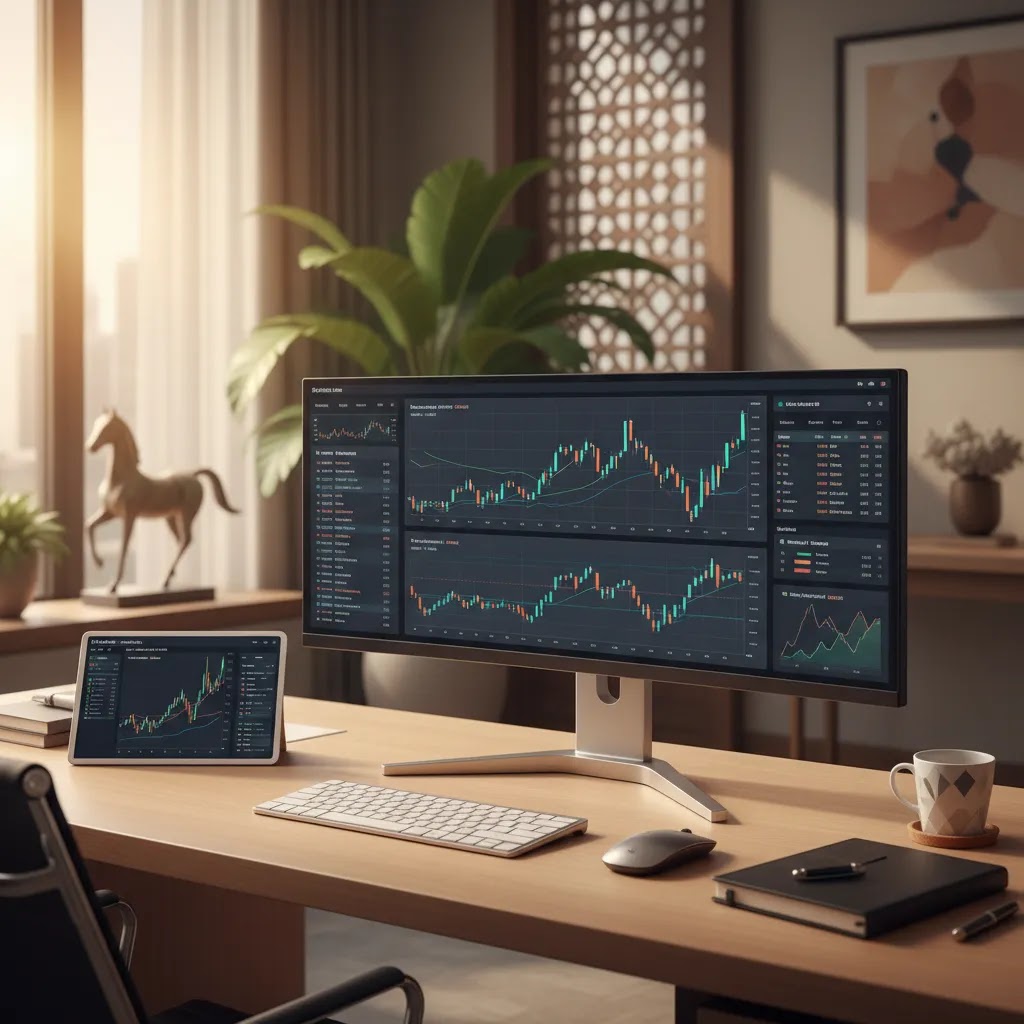
If you are researching tradingview, you are probably trying to answer a practical question: is it just a charting website, or can it genuinely help you make better, safer trading decisions? For UAE-based traders, that question matters because the platform you use for analysis may shape how you spot setups, manage risk, and compare opportunities across forex, stocks, crypto, indices, and commodities. TradingView is widely used for charting, alerts, screeners, and idea sharing, but it is not a broker itself in the same sense as firms that hold client money and execute trades. That distinction is important. If you are still comparing where to actually trade, our guide to the best trading platform uae can help you evaluate regulated options before you commit capital.
What TradingView Is and Why People Use It
TradingView is primarily a market analysis platform built around interactive charts, technical tools, screeners, alerts, and a large community of users who publish ideas and commentary. Many traders use it before placing trades with a broker, while others use it as their main workspace for chart review, market scanning, and watchlist management.
That makes TradingView different from a regulated broker such as Pepperstone, Capital.com, or eToro, which may hold client funds and offer direct account opening. Business24-7 currently covers several brokers relevant to UAE readers, including Pepperstone, which is regulated by the DFSA, Capital.com, which lists SCA regulation, and eToro, which lists ADGM regulation alongside international licenses. TradingView can complement those brokers, but it does not replace the need to check whether your actual trading provider is overseen by authorities such as the DFSA, SCA, FCA, ASIC, or CySEC where applicable.
For beginners, the main attraction is accessibility. The interface is visual, the charting tools are broad, and the free version may be enough to learn the basics. For more active traders, the appeal usually comes from multi-market charting, indicator customization, screening tools, and alerts that can reduce the need to monitor charts constantly.
If you are newer to market analysis, it may also help to review a broader technical analysis guide so you can separate the platform tools from the actual trading process.
Charts, Screeners, Alerts, and Community Tools
The feature set is the main reason TradingView has become so widely used. Its charting environment is flexible enough for casual investors, but it also has enough depth to suit more technical traders who want layered indicators, multiple layouts, and market scanning in one place.
1. Charting and visual analysis
The tradingview chart is usually the starting point. You can switch timeframes quickly, compare instruments, draw support and resistance zones, annotate trend lines, and test indicators without installing desktop software. For traders learning price action, this may be especially useful because patterns are easier to mark and revisit. If you want to build confidence reading setups, our article on chart patterns may help you connect the tool with the underlying concept.
2. Indicators and custom setups
Tradingview indicators are a major strength. Most users start with common tools such as moving averages, RSI, MACD, Bollinger Bands, or volume overlays. More experienced traders often build custom combinations to match a specific strategy. The benefit here is not that indicators predict returns. It is that they may help you organize information, filter noise, and apply a repeatable process. If you are evaluating common signals, our guide to forex indicators adds helpful context.
3. Screeners and watchlists
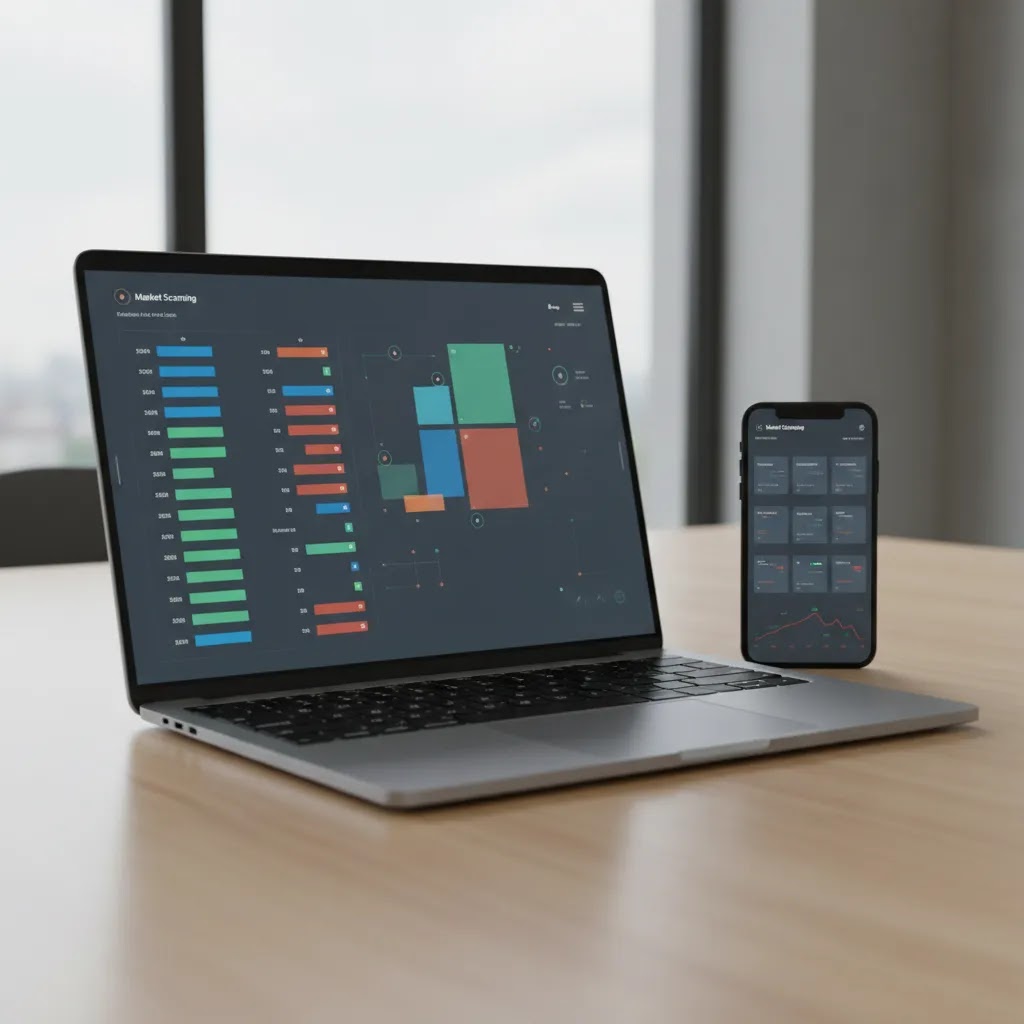
The tradingview screener is one of the most practical tools on the platform. Instead of manually reviewing dozens of charts, you can sort and filter assets based on price behavior, volume, technical conditions, and market segment. That could save time for busy professionals in the UAE who want a shorter shortlist before the trading day begins. A screener does not replace judgment, but it may make your research process more consistent.
4. Alerts and workflow efficiency
Tradingview alerts are useful because they can reduce constant chart watching. You can set notifications around price levels, trendline breaks, or indicator conditions. This may suit traders who cannot stay at a desk all day. Alerts are not a substitute for risk management, but they can support a more disciplined routine by prompting action only when your setup criteria are met.
5. Paper trading and strategy testing
Tradingview paper trading is often one of the best starting points for beginners. It lets you practice workflows and test ideas without committing real money. That can be valuable if you are still learning position sizing, stop-loss placement, or the emotional side of trading. Paper results should be treated cautiously, though, because simulated execution may differ from live market conditions.
6. Community and shared ideas
The community side of TradingView is both helpful and risky. On the positive side, public ideas can expose you to different approaches, markets, and timeframes. On the negative side, not every published setup is well reasoned, and some may reflect hindsight bias or weak risk practices. It is better to use community content as research input rather than as a signal service.
Readers who want more platform education can browse the trading platforms and brokers section, while those focused on market reading can explore the technical analysis category for foundational concepts.
TradingView App and Desktop: Download Options, Device Support, and Practical Setup
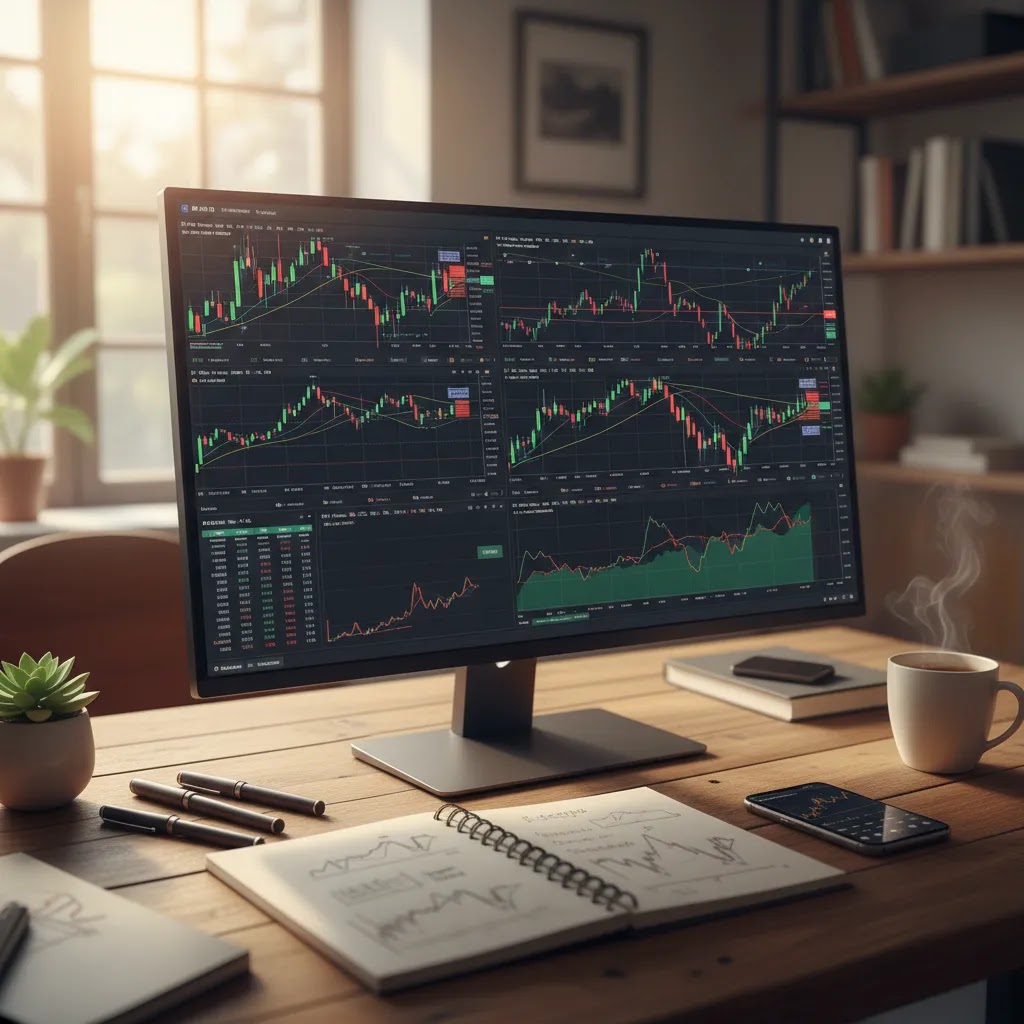
What many people overlook is that TradingView is not one single experience. Most users access it in one of three ways: a web browser, a mobile app (iOS or Android), or a desktop app where available. The tools are broadly consistent, but the day-to-day workflow can feel different depending on screen size, notifications, and how you prefer to analyze markets.
Web vs mobile vs desktop: what typically changes
From a practical standpoint, the web version is often the default because it gives you the most screen space for multi-chart layouts, drawing tools, and scanning. If you are tracking several markets, that extra space can make the difference between calm analysis and constant tab switching.
Mobile apps are usually where TradingView becomes a monitoring tool. You can review charts, check watchlists, and receive alerts while you are away from a desk, which matters for UAE-based traders balancing work hours with global market sessions. The trade-off is that charting on a smaller screen can feel compressed, and some workflows that are simple with a mouse and keyboard may take more taps.
The desktop app, where supported, tends to appeal to traders who want a more dedicated workstation feel, including quicker switching between charts and, in many cases, more comfortable keyboard shortcuts. Performance can also feel more consistent on a desktop setup, especially if you run multiple windows or watchlists alongside your broker platform.
First-time setup: a UAE-friendly checklist
Consider this: most frustration with TradingView comes from basic setup being skipped. The first step is creating an account so your watchlists, chart layouts, and alert history can sync across devices. If you use TradingView on your phone during the day and a laptop at night, that sync is what keeps your workflow consistent.
Next, pay attention to time settings and sessions. Market analysis is heavily time-based, and confusion around candles often comes from mismatched timezones. Many UAE traders prefer to align chart times with their routine, and you can also use sessions or templates to keep a consistent view of when major markets are active. This does not change the market, but it can reduce mistakes when you review levels and plan alerts.
Finally, make sure alerts actually reach you. It is common to set a tradingview alert and assume it will appear, then miss it because mobile notifications are disabled or email delivery settings are not configured. A quick test alert after setup can save you time later. If you rely on alerts as part of disciplined risk control, you want redundancy, for example push notifications on mobile and email as a backup, not just one channel.
Common friction points: downloads, updates, and mobile data
Here is the thing: many people search for “tradingview download for pc” expecting a traditional standalone platform. In practice, TradingView is widely used in the browser, and desktop availability can depend on the operating system and the version you are installing. If you choose a desktop install, keeping it updated matters, because feature changes and bug fixes can affect alerts, layouts, or performance over time.
On mobile, storage and data use are easy to underestimate. Charts update frequently, and if you follow many tickers or use multiple watchlists, the app may use more data than casual users expect, especially on cellular connections. If you travel or rely on mobile internet, it is worth keeping watchlists organized and limiting unnecessary refresh behavior. This is not about optimization for its own sake. It is about avoiding a situation where monitoring becomes unreliable just when markets move quickly.
If features feel different on mobile versus desktop, it is usually due to interface constraints, not because your account changed. Screeners, drawing tools, and layout controls may be simplified on mobile to fit smaller screens. For many traders, the best balance is using web or desktop for deeper analysis and mobile for check-ins, alerts, and quick reviews.
Pros and Cons
Strengths
- TradingView combines charting, screeners, watchlists, alerts, and idea sharing in one interface, which may reduce platform switching.
- The visual charting experience is approachable for beginners while still being detailed enough for many intermediate and advanced traders.
- Paper trading can help new users practice execution and strategy review before risking real capital.
- Custom indicators and flexible layouts may support traders who want to build a repeatable technical workflow.
- The screener tools can save time when scanning forex, stocks, indices, crypto, or commodities for specific setups.
- Alerts can help users monitor levels and conditions without needing to stay on the chart all day.
Considerations
- TradingView is not the same as a regulated broker, so it does not remove the need to evaluate the safety of the platform where you actually deposit funds.
- Community ideas may be useful for perspective, but they can also introduce noise, overconfidence, or poor-quality trade reasoning.
- Some advanced features are typically limited on the free tier, so active traders may feel pressure to upgrade.
- Heavy use of indicators and layouts can become distracting if you do not have a clear trading plan.
- Paper trading results may look cleaner than live trading because emotions, slippage, and execution conditions can differ.
TradingView Plans and Limits: Free vs Paid Tiers (What You Actually Gain)
If you are trying to decide between tradingview free access and a paid plan, it helps to focus on one question: what is limiting your workflow today? Many upgrades are not about “better analysis,” they are about removing friction, for example hitting alert limits, needing more layouts, or wanting more complexity on a single chart.
The reality is that the free tier is often enough for learning and light analysis. The point where people start considering paid tiers is usually when they want TradingView to function like a daily workspace, not just an occasional chart check.
What is commonly limited on the free plan
Limits can change over time, but the most common friction points on free access tend to be alert counts, the number of indicators you can run on one chart, and how many chart layouts or saved configurations you can comfortably maintain. Some users also notice limits around how much they can customize layouts across multiple charts at once or access certain advanced screening and feature settings.
Think of it this way: free access is designed for single-screen simplicity. If your approach involves monitoring many markets at once, keeping different layouts for different strategies, or relying on alerts as a core part of your routine, those limits can show up quickly.
What paid plans are designed to unlock
Paid tiers are typically aimed at active traders and analysts who need more of everything that saves time: more alerts running in parallel, more layouts, and higher indicator capacity per chart. In many cases, the upgrade is about reducing missed opportunities caused by your own process, for example having too few alerts to track the levels you actually care about.
This does not mean a paid plan is “better” in a performance sense. It is more like paying for a larger workspace. If you do not use the extra space, you may not get meaningful value from it.
How to decide if upgrading is worth it for you
Now, when it comes to value, your decision should reflect how you trade or invest in real life. If you watch a small set of instruments and place trades occasionally, you may rarely hit free-tier limits. If you track multiple markets, use different timeframes, and rely on alerts because you cannot watch charts all day, more alert capacity and more layouts can be a practical improvement.
Consider how you use TradingView in the UAE specifically. Many local traders balance global session timing with work commitments, so alerts and mobile monitoring matter. If your analysis is solid but your alert capacity is too low to run your plan properly, a paid tier may reduce operational mistakes, such as forgetting to check a level you planned days earlier.
Keep subscription cost in perspective versus total trading costs
What many people overlook is that a subscription is usually not the biggest cost in trading. The larger, ongoing costs tend to sit at the broker level: spreads, commissions, overnight funding, and sometimes inactivity fees. If you upgrade TradingView but ignore your broker’s pricing, you can end up optimizing the wrong part of the system.
A balanced approach is to treat TradingView as a workflow tool and treat broker costs and regulation as the core safety and cost variables. Trading carries real risk either way, and a paid charting tier does not reduce that risk. It may only make your analysis and monitoring more consistent if you actually use the added capacity.
Who TradingView Suits
TradingView may suit several types of users. First, it can work well for beginners who want to learn chart reading in a visual environment before opening a live account. Second, it may suit intermediate traders who already understand setups and want better alerts, cleaner charting, and faster screening. Third, it can be a good fit for UAE-based professionals who have limited time and need a practical way to monitor markets across devices.
It may be less suitable if you want a single all-in-one solution with full brokerage, custody, and market access under one roof. In that case, you would still need to compare regulated brokers by fees, asset range, and oversight. Business24-7 reviews brokers such as eToro, Pepperstone, Capital.com, XTB, AvaTrade, Interactive Brokers, and others using criteria that include trust, transparency, usability, and costs.
Business24-7 Editorial View
At Business24-7, we see TradingView as a useful analysis layer rather than a complete decision on its own. That distinction matters because many readers confuse a charting platform with the broker that executes trades and holds funds. Based on our editorial approach, the safer process is usually to evaluate analysis tools and broker safety separately. A great charting interface may improve workflow, but it does not by itself confirm whether your trading provider meets the regulatory and operational standards you expect.
Our content is shaped by the research-led approach associated with Braden Chase, whose background as a former research specialist at Forex.com supports a practical, evidence-based style. We aim to help readers ask better questions before opening accounts, especially in a market where trust and regulation matter. If TradingView is part of your shortlist, the next step is not blind adoption. It is to compare the broker you plan to connect with it, review fees such as spreads or commissions, and confirm oversight from bodies such as the DFSA or SCA where relevant. Before making a final decision, browse our broker resources and compare platform reviews side by side on Business24-7.
How to Judge TradingView Against Other Platforms
If you are comparing TradingView with broker-native platforms or desktop charting tools, it helps to use clear criteria instead of relying on popularity alone.
1. Separate analysis quality from broker safety
A polished chart does not make a platform safer. If you use TradingView alongside a broker, check the broker’s regulatory status first. Business24-7 product data currently lists examples such as DFSA-regulated Pepperstone, DFSA-regulated Plus500, SCA-regulated ADSS, and SCA-regulated Capital.com. These details matter more to fund safety than chart aesthetics do.
2. Match features to your actual workflow
If you mostly review a few charts each week, the tradingview free plan may be enough. If you depend on multiple alerts, advanced layouts, or broader screening, a paid tier such as tradingview pro may be more relevant. The right choice depends less on marketing labels and more on how often you trade and how structured your process is.
3. Be realistic about technical tools
Technical features can improve structure, but they do not remove market risk. A good platform helps you observe, compare, and document ideas. It does not guarantee that an idea will work. This is especially important for traders following publicly shared strategies or indicator combinations that may look convincing in hindsight.
4. Consider asset coverage and integration
Some users want TradingView only for charts, while others want smooth integration with their brokerage setup. If you trade across several markets, compare whether your broker’s own platform may already cover what you need. For example, Pepperstone supports MT4, MT5, cTrader, and TradingView; Interactive Brokers focuses on TWS, IBKR Mobile, and Client Portal; eToro centers on WebTrader and its mobile app. Your ideal setup depends on whether you prioritize chart flexibility, direct execution, research depth, or social features.
5. Keep costs and discipline in view
Platform subscriptions are only one cost. Real trading costs may include spreads, commissions, overnight funding, and inactivity charges depending on the broker. AvaTrade notes an inactivity fee after 3 months, Pepperstone lists a $7 per lot commission on Razor accounts, and Exness lists $3.50 per lot on Raw Spread accounts. These numbers may matter more to your long-term results than the cost of a charting upgrade. Always compare the total setup, not one feature in isolation.
The most useful approach for most readers is simple: use TradingView if it improves your research process, but judge your broker separately on regulation, fees, support, and asset access. That tends to be a more reliable framework than assuming the most popular charting tool is automatically the best overall trading solution.
TradingView Integrations: How Broker Connections Work (and What to Check Before You Use Them)
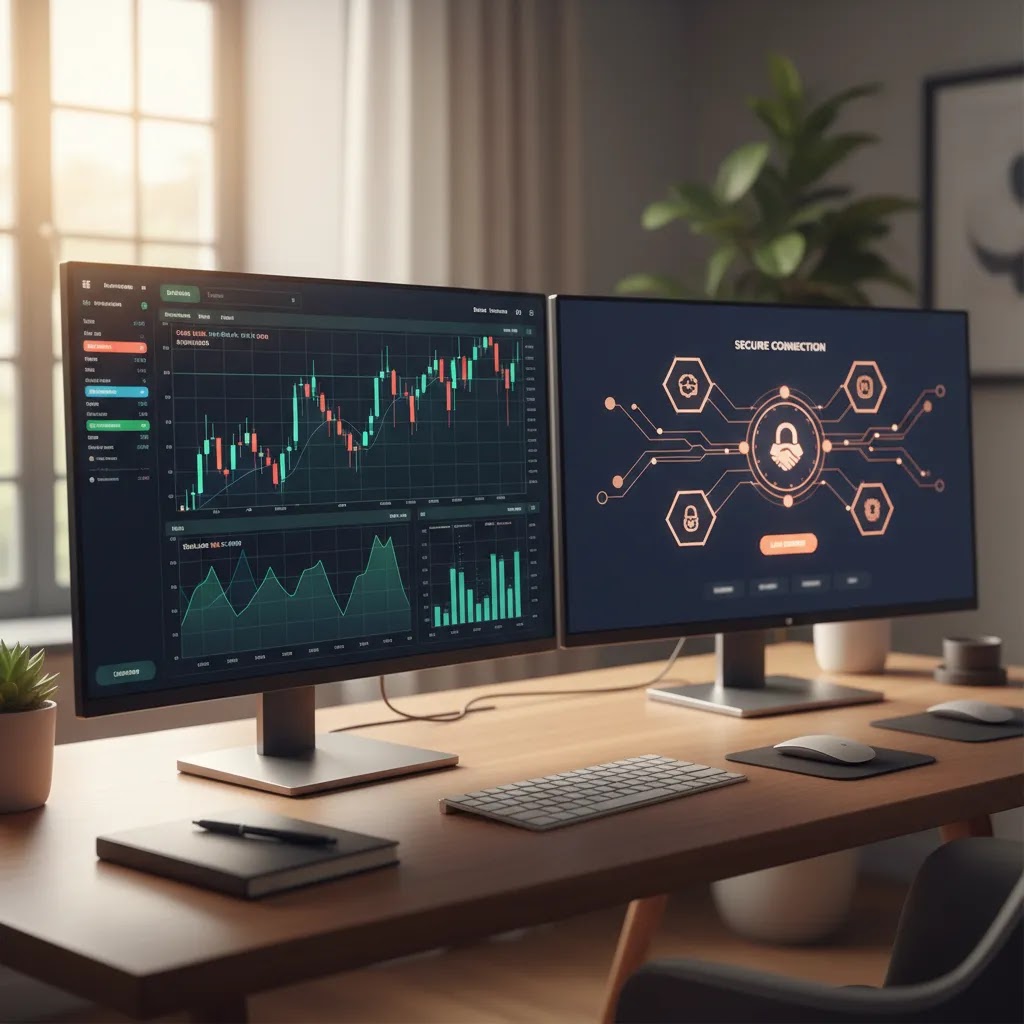
TradingView is often described as “integrated” with certain brokers, and that wording can confuse new users. In practice, an integration usually means you can connect a supported brokerage account to TradingView so you can analyze on TradingView charts and, if the broker supports it, place trades from inside the TradingView interface.
That can be convenient, but it does not change the underlying structure. TradingView is still an analysis and interface layer. Your broker is still the firm handling execution, spreads, commissions, withdrawals, and the custody of funds. If something goes wrong with funding, fees, or execution quality, the broker relationship is what matters most, not the charting layer.
What to verify before placing trades through TradingView
From a practical standpoint, “connected” does not always mean “identical.” Before you place real orders through an integration, it helps to confirm what you can actually do through TradingView versus the broker’s native platform. Order types are a common example. Some brokers may support a wider range of order controls in their own platform than in a third-party interface.
Account and position syncing is another area to check. In many cases, balances, open positions, and order history display well, but you want to be confident it is reliable for your workflow, especially if you manage risk using multiple positions or partial closes. If you notice mismatches or delayed updates, it may be safer to manage trades directly inside the broker’s platform until you fully trust the integration behavior.
Execution differences can also matter. Even if you place a trade from TradingView, the execution still routes through the broker. Spreads and commissions remain broker-defined. Slippage can still occur, especially around volatile events. The convenience is real, but it does not remove market risk or execution risk.
The UAE safety angle: regulation applies to the broker holding funds
The reality is that regulation does not attach to a chart. It attaches to the firm holding client money and providing the trading account. For UAE residents, that is where DFSA or SCA oversight, where applicable, becomes important. If you are choosing between brokers that can connect to TradingView, the safer research habit is to verify the broker’s license details, client protections, and operating entity before you fund an account.
This is also why TradingView should be evaluated separately from the broker decision. TradingView can be excellent for charts and workflow. It does not, by itself, tell you whether the broker you connect is suitable, transparent on fees, or aligned with the regulatory standards you expect in the UAE.
Frequently Asked Questions
Is TradingView a broker?
No. TradingView is mainly a charting and market analysis platform. It may support research workflows, alerts, and paper trading, but it is not the same as a broker that holds funds and executes live trades. If you plan to trade real money, you should still verify the broker’s regulation, fee structure, and client protections.
Is TradingView safe for UAE traders to use?
As an analysis tool, TradingView may be useful, but safety in the broader sense depends on the broker you connect it to or the platform where you deposit money. UAE readers should pay close attention to regulation from bodies such as the DFSA or SCA where relevant, rather than assuming charting quality equals financial safety.
Can I use TradingView for free?
Yes, many users begin with tradingview free access to learn charts and basic workflows. That may be enough for casual analysis or education. More active traders often consider paid plans for extra alerts, layouts, or advanced features. Whether an upgrade makes sense depends on your usage, not on the idea that paid tools automatically produce better outcomes.
What is the TradingView screener used for?
The tradingview screener helps users filter markets based on chosen criteria, such as price action, technical conditions, or volume. It may save time by narrowing a large watchlist into a manageable shortlist. That said, a screener is only a starting point. You still need to review each market, define risk, and avoid treating filtered results as trade signals.
Are TradingView indicators reliable?
Indicators may be useful for structuring analysis, but they are not reliable in the sense of guaranteeing a profitable outcome. Their value usually depends on how they are combined with context, timeframe, and risk management. Many traders make the mistake of adding too many indicators, which can create confusion rather than improve decision-making.
Does TradingView support paper trading?
Yes, tradingview paper trading is one of its more helpful learning features. It may allow beginners to test order entry, chart analysis, and strategy rules without risking real funds. Still, simulated performance has limits. Live conditions may involve slippage, emotional pressure, and different execution quality, so paper results should be viewed cautiously.
How useful are TradingView alerts?
Tradingview alerts can be very practical for traders who do not want to watch markets continuously. They may notify you when price reaches a level or when an indicator condition is met. This can improve discipline and save time, but alerts do not replace trade planning, and they should not be mistaken for a risk management system.
Should beginners use TradingView or a broker app first?
That depends on your goal. If you are learning charts, TradingView may be the easier educational environment. If you want an all-in-one account for funding and execution, a broker app may feel simpler. In most cases, beginners benefit from understanding both: one for analysis and one for regulated market access and account management.
What should I check before connecting TradingView to a broker?
You should check whether the broker is properly regulated, what fees apply, which assets are available, and whether the integration supports your strategy. Review spreads, commissions, overnight charges, and account conditions carefully. For UAE residents, oversight from authorities such as the DFSA or SCA may be especially relevant depending on the provider.
How do I download TradingView for PC (Windows or Mac)?
Many traders use TradingView in a web browser, so you may not need a PC download to use the full charting experience. If you want a dedicated desktop experience, TradingView also offers a desktop app for certain operating systems. The key is to make sure you are using an official download option and keeping it updated, because older versions can sometimes lead to performance issues or missing features.
Is there a TradingView app for iPhone or Android, and is it the same as the web version?
Yes, TradingView offers mobile apps for both iPhone (iOS) and Android. The core experience is similar, including charts, watchlists, and alerts, but it is not always identical to the web version. Mobile screens can limit how many panels you view at once, and some layout and charting controls may be simplified. Many UAE traders use web or desktop for deeper analysis and mobile for monitoring and alert follow-up.
How do I log in to TradingView, and what should I do if I cannot access my account?
You can log in using the method you originally chose when you created the account, such as email, Google, Apple, or another supported sign-in option. Access problems are often caused by using a different login method than the one you registered with, a typo in the email address, or security checks that require confirmation. If you rely on alerts for your trading routine, it is worth confirming your email settings and device notification permissions after you regain access so important alerts are less likely to be missed.
What is TradingView Supercharts, and how is it different from a standard TradingView chart?
Supercharts is a TradingView label that typically refers to its main, feature-rich charting interface. In practical terms, it is the chart workspace where you apply indicators, drawings, multi-timeframe views, and layouts. If you see “Supercharts” in the interface, it is usually pointing you to the full charting environment rather than a simplified preview chart.
Key Takeaways
- TradingView is best understood as a charting and analysis platform, not a substitute for a regulated broker.
- Its strongest features typically include charts, indicators, screeners, alerts, paper trading, and community idea sharing.
- The platform may suit beginners and intermediate traders, but community content should be treated cautiously.
- For UAE readers, broker regulation from bodies such as the DFSA or SCA remains central when real money is involved.
- The right decision is usually to assess TradingView for workflow benefits and assess your broker separately for safety, costs, and execution.
Conclusion
TradingView can be a very useful tool if your priority is better charting, faster market screening, and a more organized technical workflow. It may help you learn, monitor setups, and build discipline, especially if you use alerts and paper trading thoughtfully. Still, it is only one part of the decision. The more important question for most readers is where they will actually place trades and whether that provider is properly regulated, transparent on fees, and suitable for their experience level. If you are moving from research into platform selection, use Business24-7 as your reference point to compare regulated brokers, review fee structures, and browse practical platform guides before making a decision.
Disclaimer: The content published on Business24-7 is intended for informational purposes only and does not constitute financial advice, investment recommendations, or an endorsement of any specific platform or financial product. Trading and investing carry significant risk, including the potential loss of capital. You should conduct your own research and, where appropriate, seek independent financial advice before making any investment decisions. Business24-7 does not accept responsibility for any financial losses incurred as a result of information published on this site.
Disclaimer
eToro is a multi-asset platform which offers both investing in stocks and cryptoassets, as well as trading CFDs.
Please note that CFDs are complex instruments and come with a high risk of losing money rapidly due to leverage. 61% of retail investor accounts lose money when trading CFDs with this provider. You should consider whether you understand how CFDs work, and whether you can afford to take the high risk of losing your money
This communication is intended for information and educational purposes only and should not be considered investment advice or investment recommendation. Past performance is not an indication of future results.
Copy Trading does not amount to investment advice. The value of your investments may go up or down. Your capital is at risk.
Crypto assets are complex and carry a high risk of volatility and loss. Trading or investing in crypto assets may not be suitable for all investors. Take 2 mins to learn more
eToro USA LLC does not offer CFDs and makes no representation and assumes no liability as to the accuracy or completeness of the content of this publication, which has been prepared by our partner utilizing publicly available non-entity specific information about eToro.

If you are researching tradingview, you are probably trying to answer a practical question: is it just a charting website, or can it genuinely help you make better, safer trading decisions? For UAE-based traders, that question matters because the platform you use for analysis may shape how you spot setups, manage risk, and compare opportunities across forex, stocks, crypto, indices,…